No. All your apps, subscriptions, and settings remain the same and continue to work as before.
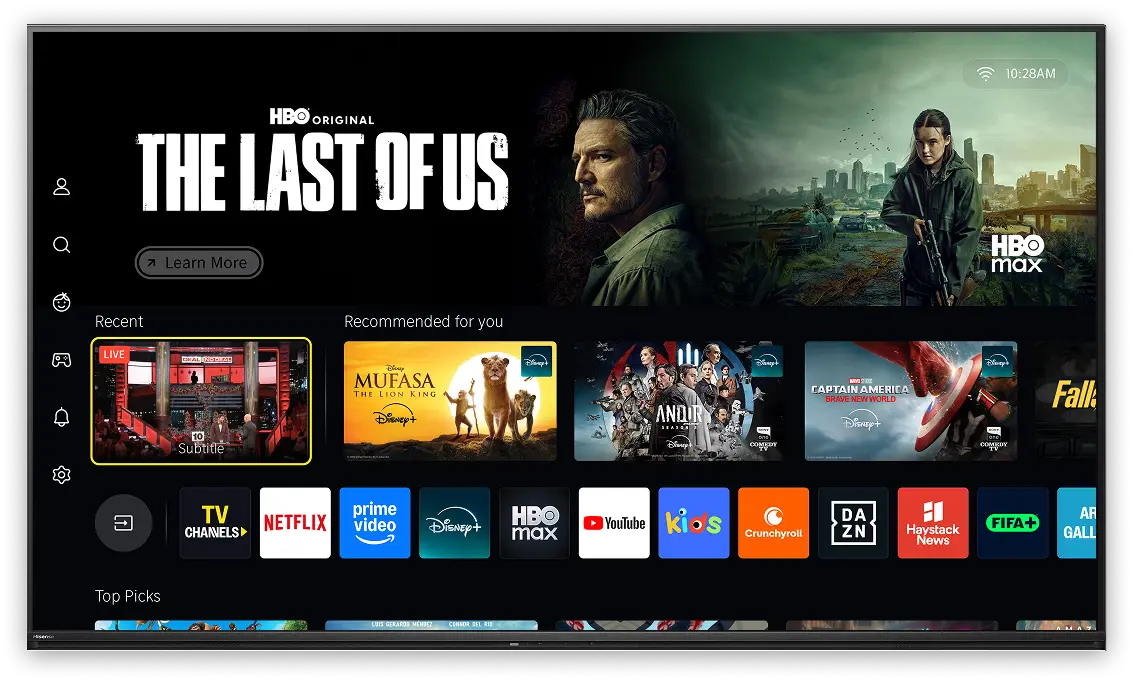
VIDAA OS brings together entertainment, sports, news, movies, and shows
from the world’s leading content brands in one fast, family-friendly experience.
Your streaming services, free channels, and personalized home screen are waiting from the first power-on. No setup headaches, no downloading apps one by one.
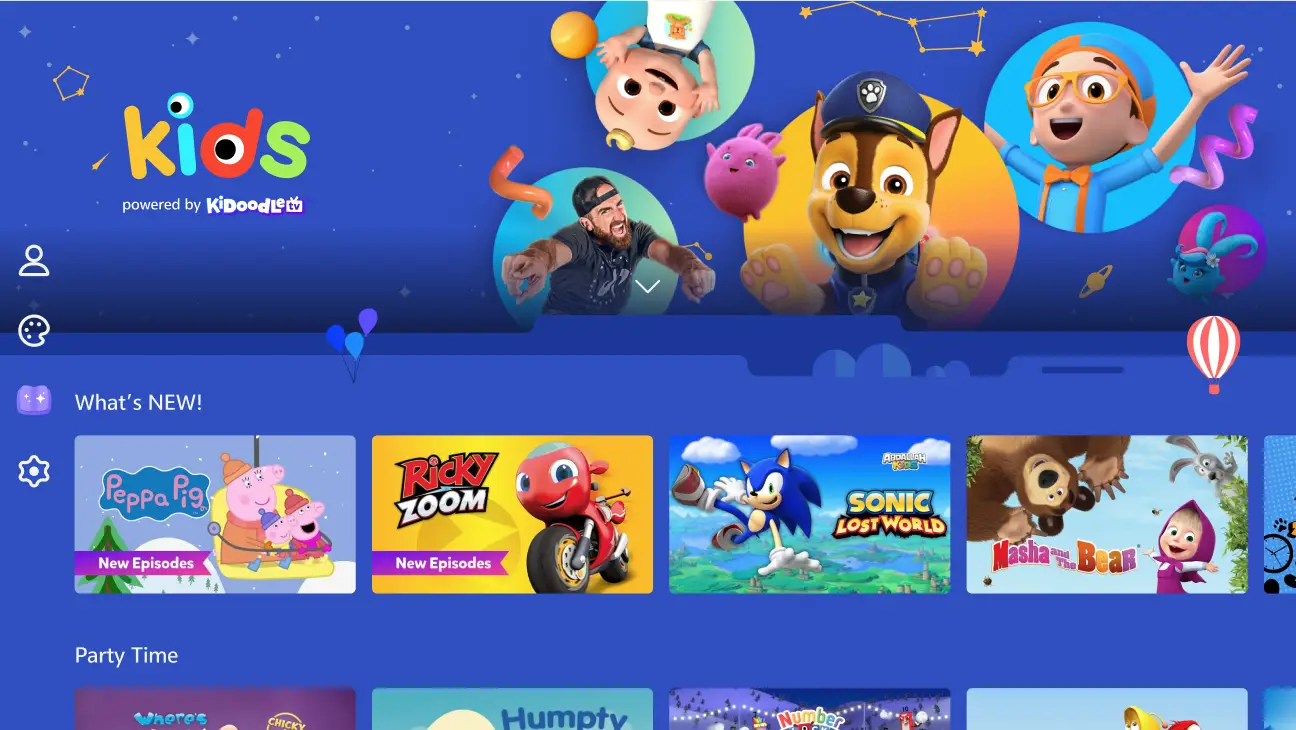
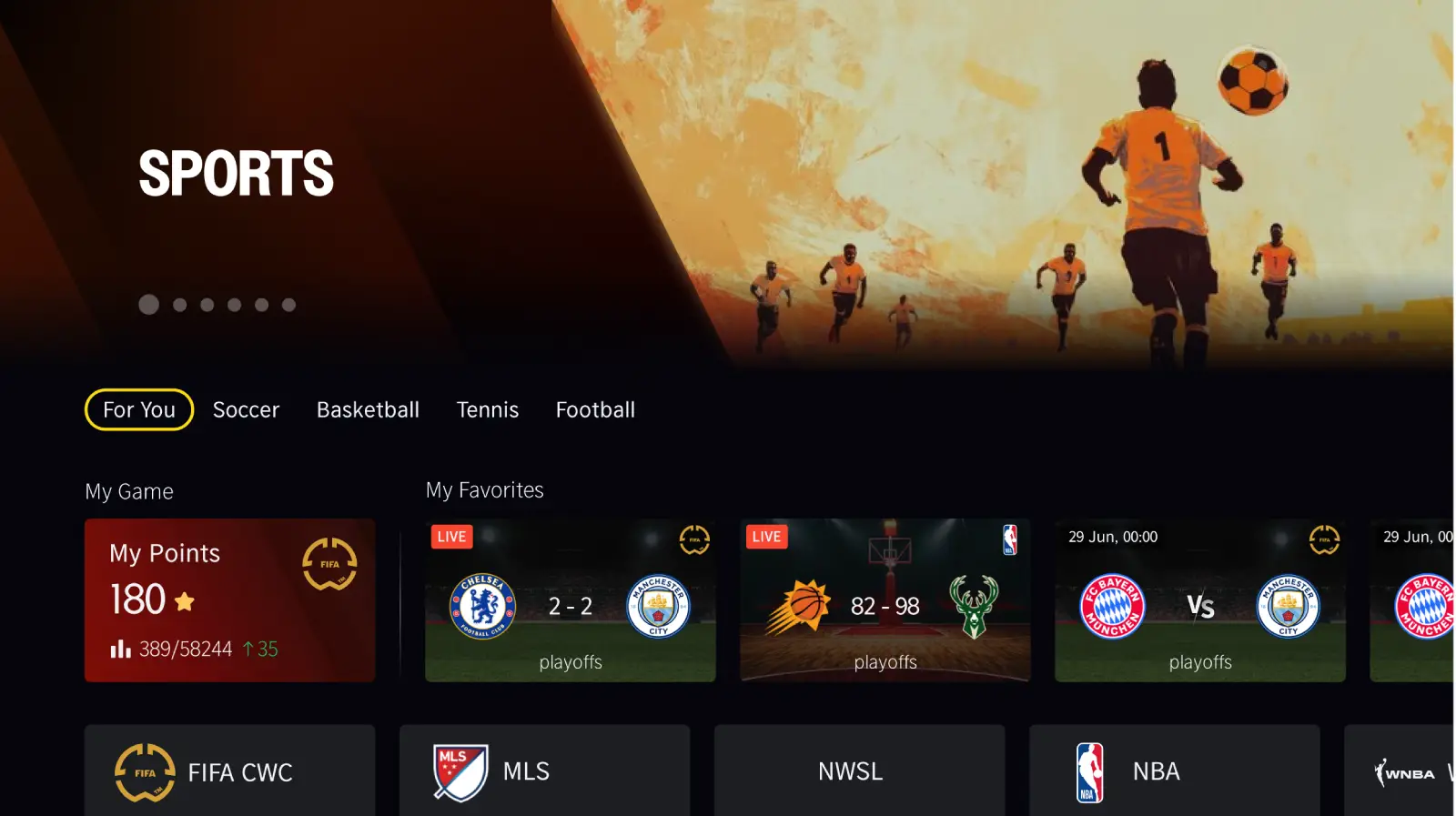
From sports and news to kids, shows, and lifestyle, discover dedicated channels for what matters to you.


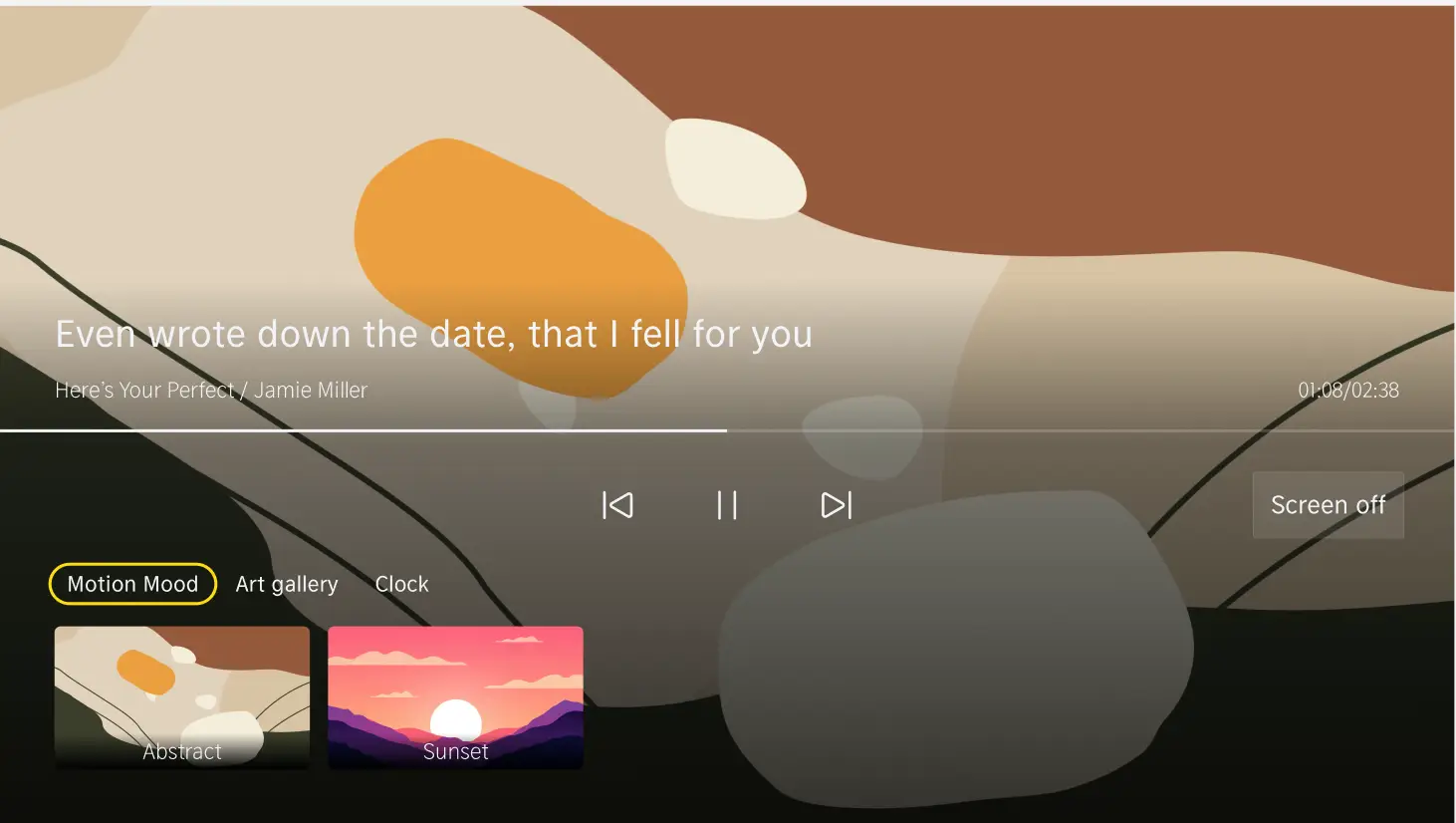
Turn your TV into a living artwork, with curated visuals that bring atmosphere and personality into your space.

Use your voice to find content, control playback, and navigate VIDAA naturally and hands-free.
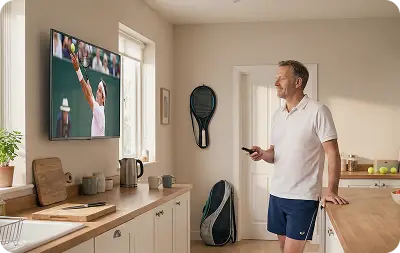
VIDAA adapts to you, offering recommendations and layouts that reflect your habits, preferences, and who’s watching.
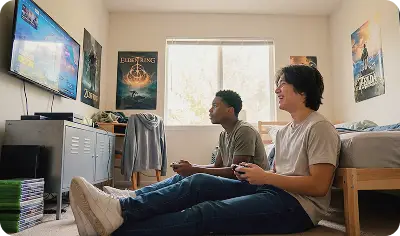
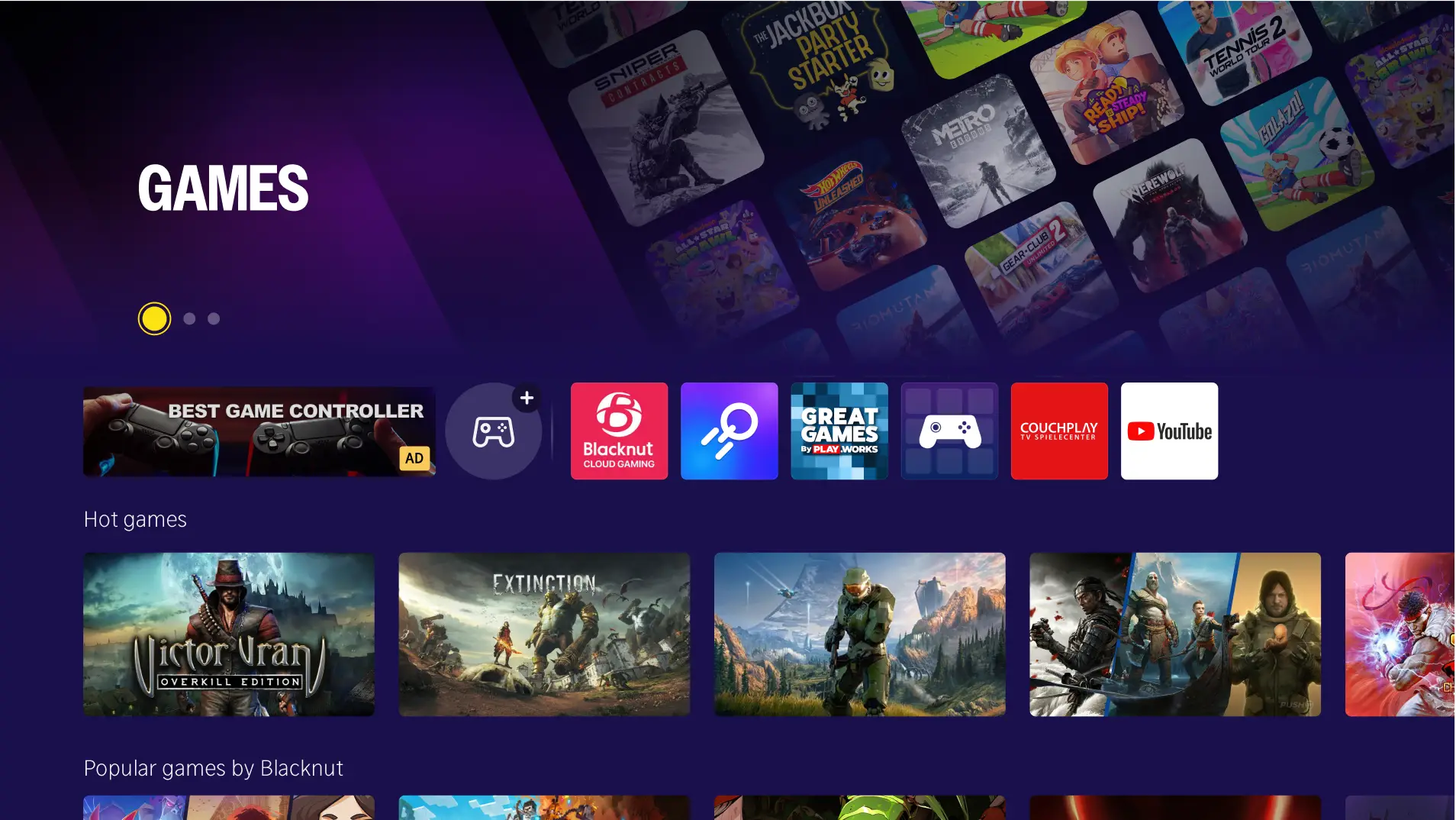
Play instantly without a console, accessing world-class cloud-based games directly from your TV.
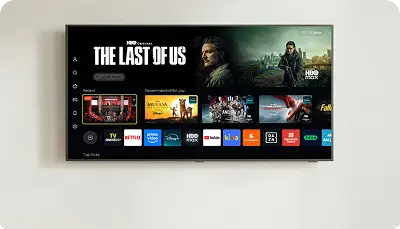
A clean, easy-to-navigate interface that helps you find what you want without getting in the way.
Get started quickly with a simple setup process designed to work right out of the box.
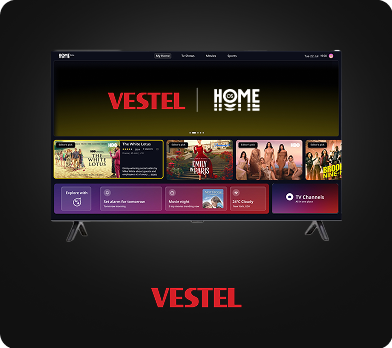
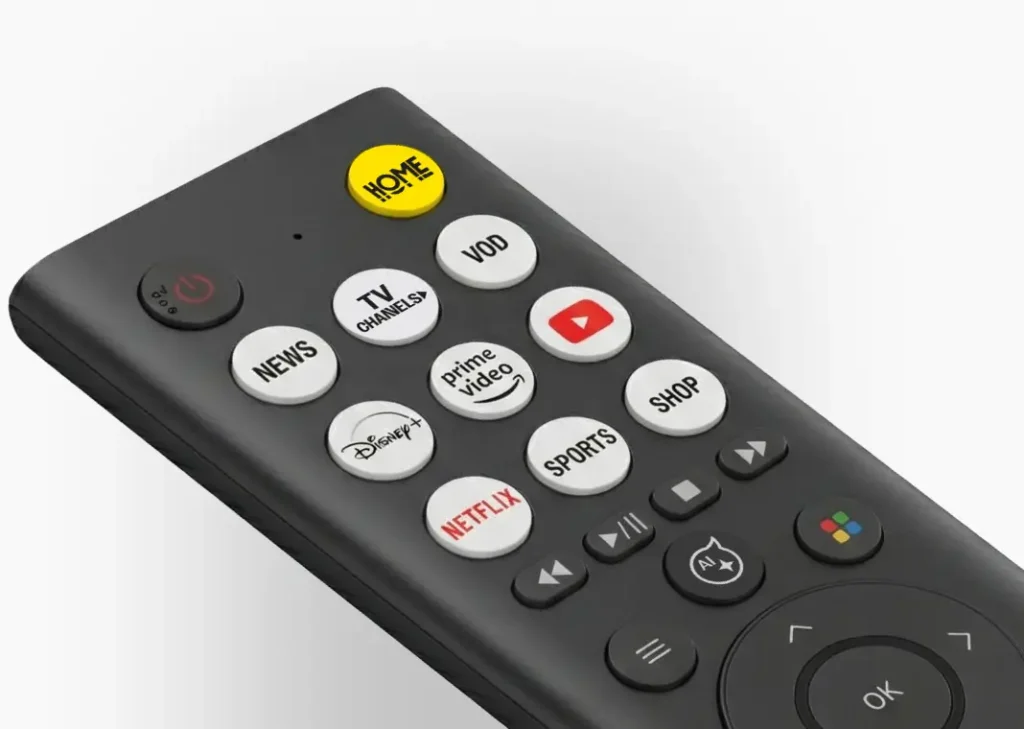
One button takes you directly to your favorite services and content, with Netflix, Disney+, FAST channels, and so much more.
No. All your apps, subscriptions, and settings remain the same and continue to work as before.
Your existing VIDAA account has become a V account. Nothing has changed in how your account works, and no action is required from you.
Yes. If supported by content partners, you can subscribe to content and services directly using your V account.
Creating a V account helps you personalize your TV experience, manage apps and settings across devices, and access supported services more easily.
Yes, the update adds support for more languages (Hungarian, Bulgarian, Albanian, Czech, and Hebrew) and additional voice control capabilities. You can now use your voice to search for live TV, apps, and content more effectively.
The U8.5 update includes built-in hints and tips to help you explore and discover new features. These helpful prompts will guide you through the new functions and improvements as you navigate the interface.
To check your TV’s U-version, follow these steps:
Select System Settings
Select Support
Go to System Info
Select Version
The U-version is the first digit in the software version number after the zeros.
Sign in to your VIDAA account at my.vidaa.com and click “Update” in the “Data & privacy” section. Click on “Delete” to delete your usage data or “Download” to receive your usage data via email. Verify your Email
Click “Verification code” and enter it.
Receive Download Link via Email
After email verification, click “download”.
Inside the email, there should be a download link for user data.
To delete your account please visit my.vidaa.com and login with your credentials. Click “Update” on Account Information and “Delete account” on teh next page. Your account will be deleted.
*Performance claims derived from WEKA Media Publishing GmbH Report TVOS-Benchmark/2025/08, dated as August 2025.