No. Right now, you can only have one active payment method saved to your account at a time.
We are working on improving this feature so you can save multiple backup payment methods in the future!

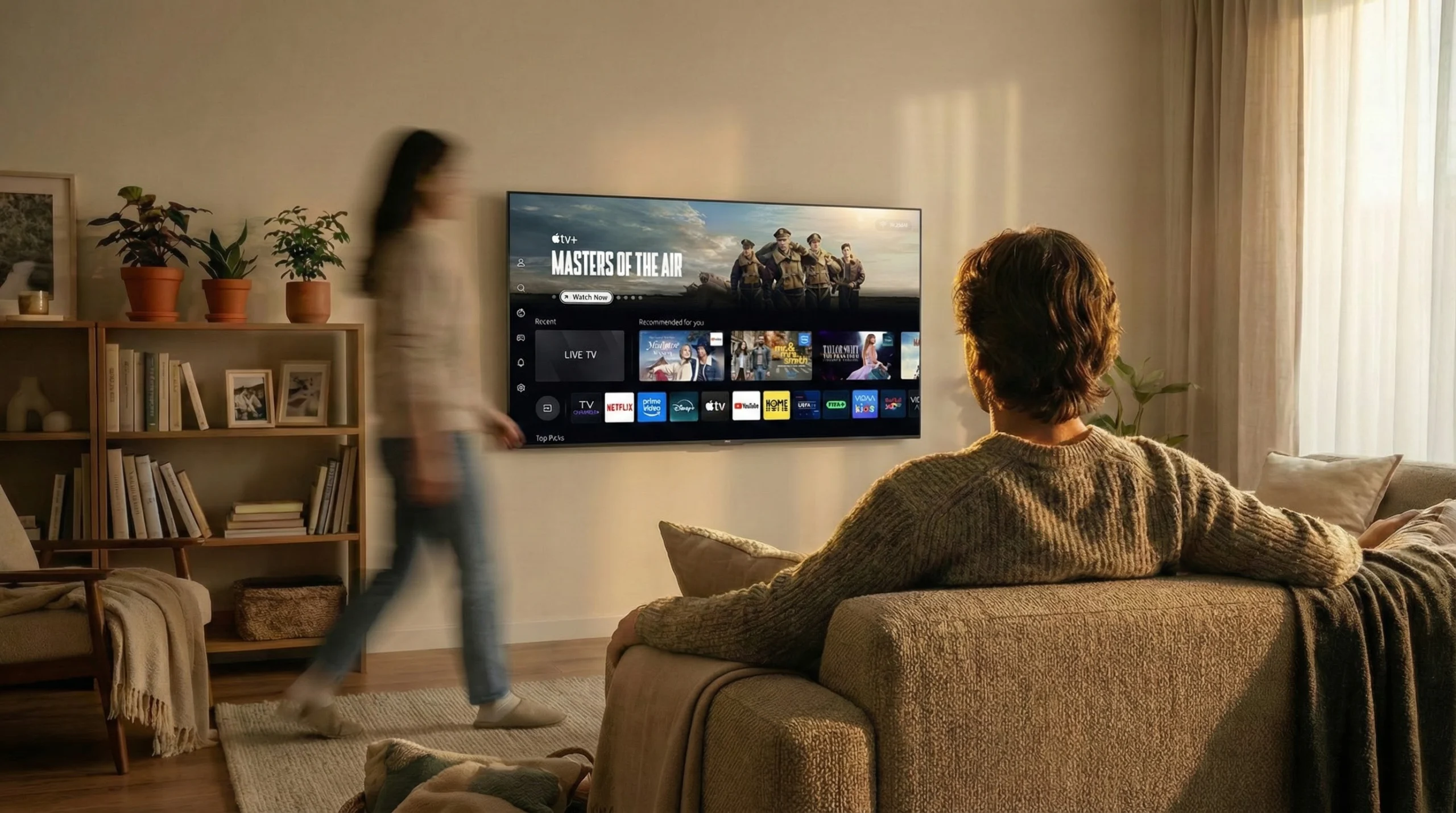
V stays in the background, so content, brands, and partners can take the spotlight. With seamless, intuitive experiences that deliver real engagement.
V is built as an open, neutral platform. Open to partners. Open to services. Open to choice. Always and everywhere.

From global reach and tailored content to monetization and speed-to-market, V gives OEMs, advertisers, and content partners the tools to grow - without limits or friction
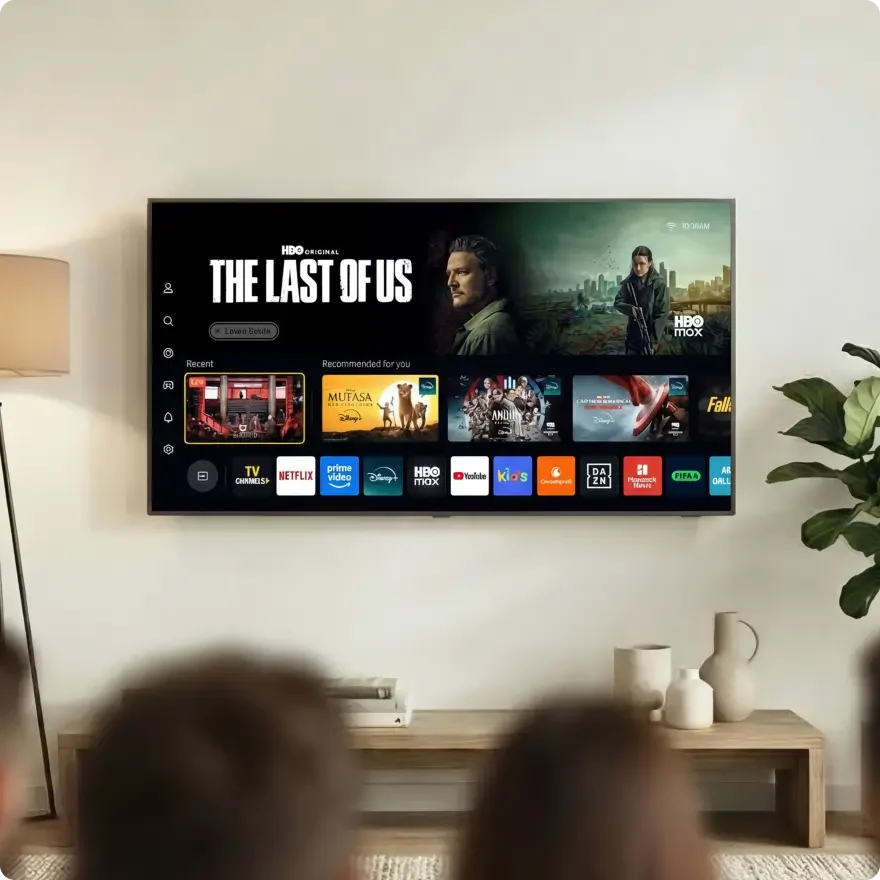

The V platforms stays in the background, allowing content, brands, and partners to take the spotlight. A seamless, intuitive user experiences that delivers real engagement.

V is built as an open TV OS, a neutral platform that's open to partners. Open to services. Open to choice. Always accessible and available everywhere.

From global reach and tailored content to monetization and speed-to-market, V gives OEMs, advertisers, and content partners the tools to grow - without limits or friction

V began as VIDAA, with a vision to simplify the TV experience and quickly evolved into a global platform, that integrates top-tier streaming content and services to meet the diverse needs of users at home. Today, V continues to innovate, delivering seamless entertainment, commerce and AI assistance at home through VIDAA OS.
VIDAA OS is more than just a smart TV operating system. It’s a connected entertainment platform designed to enhance the viewer experience while staying completely out of the way.


94 Igal Alon Steet
Alon 2 / 9th Floor
Tel Aviv
Israel

Beetovenstaat 545, 1083 HK,.
North building, 6 floor.
Amsterdam
Netherlands

A4F8, Hisense R&D center,
399 Songling Road,
QingDao, 266071,
China

3600 Mansell Road, Suite 300
Alpharetta, Georgia
30022
USA
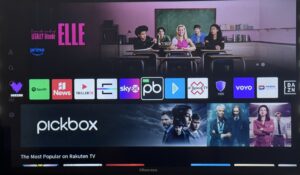
No. Right now, you can only have one active payment method saved to your account at a time.
We are working on improving this feature so you can save multiple backup payment methods in the future!
To swap out the card used for your automatic renewals, go to Settings > Payment info > Update payment method on your TV and use the on-screen QR code to add a new card or update your payment details or by login in V account in website and add a new card or update your payment details.
All future automatic billing charges will smoothly switch over to your newly added card or wallet.
If an automatic renewal fails on Apple Pay or PayPal, it is usually because the card linked to that account has expired, or the automatic billing agreement was accidentally turned off in your personal wallet settings.
To keep your bundle active, log into your Apple Wallet or PayPal mobile app to verify your default payment source, or update your TV settings under Settings > Payment info.
If your mobile wallet fails at checkout, make sure your Apple Wallet has an active credit card linked to it, or that your PayPal account has a verified backup payment method attached (like a bank account or credit card).
Also, make sure your phone is connected to the internet to allow the bank’s authorization pop-up to load clearly. If it still fails, clear your phone’s internet browser cache and scan the TV’s checkout QR code fresh.
You can securely add a regular payment card or link a digital account using your TV settings:
1. Use your TV remote control to go to Settings > Payment info.
2. Select Add new payment method.
3. A secure QR Code will pop up on your TV screen. Scan this code with your smartphone camera to securely enter your credit card info, Apple Pay, or PayPal details on your phone in seconds.
Your monthly billing and account setup will stay attached to your home country.
However, the actual shows and videos you can watch are restricted by international broadcasting rights and regional licensing laws.
Because of this, certain streaming services or video streams may block viewing, change the available catalog of shows, or switch languages if your TV is physically moved across international borders.
No. Bundles are sold as a single package deal at a heavily discounted rate.
We cannot offer partial refunds, credits, or price adjustments if you decide to stop using an individual streaming service inside the package.
No, premium services are not turned off immediately. Our system will automatically try to charge your card again over the next 48 hours to give you time to update your details.
To avoid any sudden interruptions, go to Settings > Payment Method on your TV and use the on-screen QR code to add a new card or update your payment details or by login in V Account in website and add a new card or update your payment details as soon as possible.
If your saved card is about to expire, our system will send you an email warning ahead of time.
If a renewal charge fails because your card has expired, we will give you a temporary grace window so you don’t lose access right away.
However, you must update your payment information immediately to prevent your service from being suspended.